Mark as Unavailable
While shipping an order, it may happen that you want to ship an item that unexpectedly is no longer in stock. In that case, the app provides the option to mark the item as unavailable. This allows you to handle it later in the platform, for example by canceling the order and refunding the amount.
To mark the item you were supposed to pick as unavailable, click on the quantity once you have the product on your screen. This is circled below.

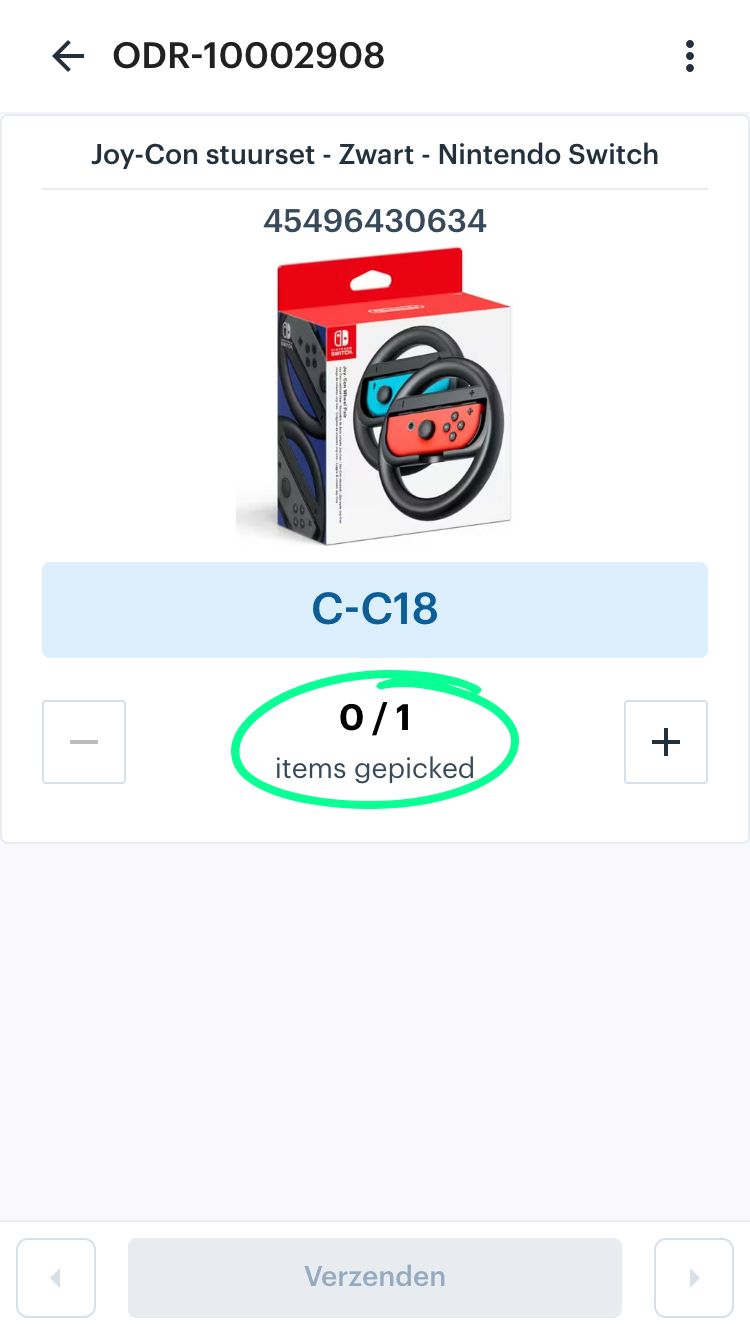
Once you click on the quantity, a screen will appear with an input field and a ‘Unavailable’ button. Enter the number of items that are no longer available, and then click the ‘Unavailable’ button.